Today’s progress on the 30 Day Build Challenge is using code to draw a “Pyramid Block” for the Word Counting Calendar! Getting closer!
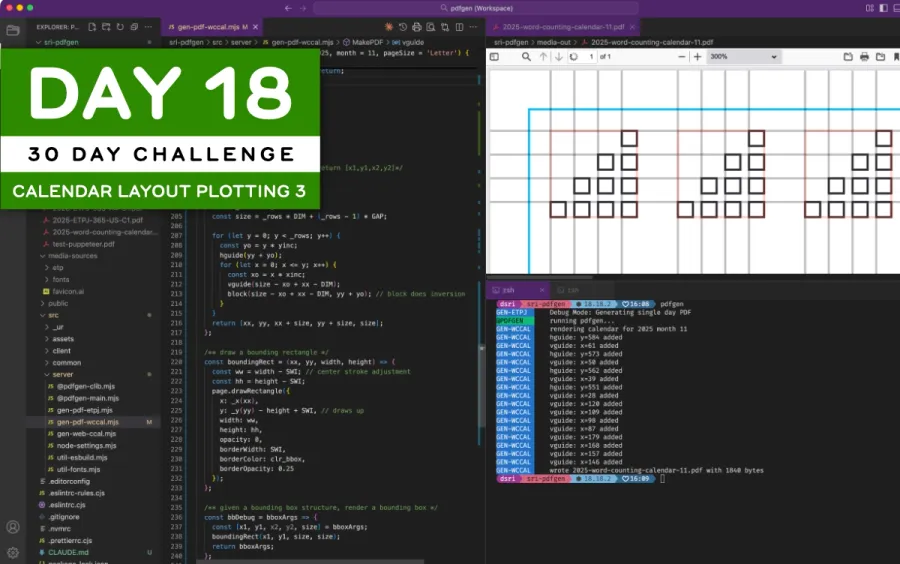
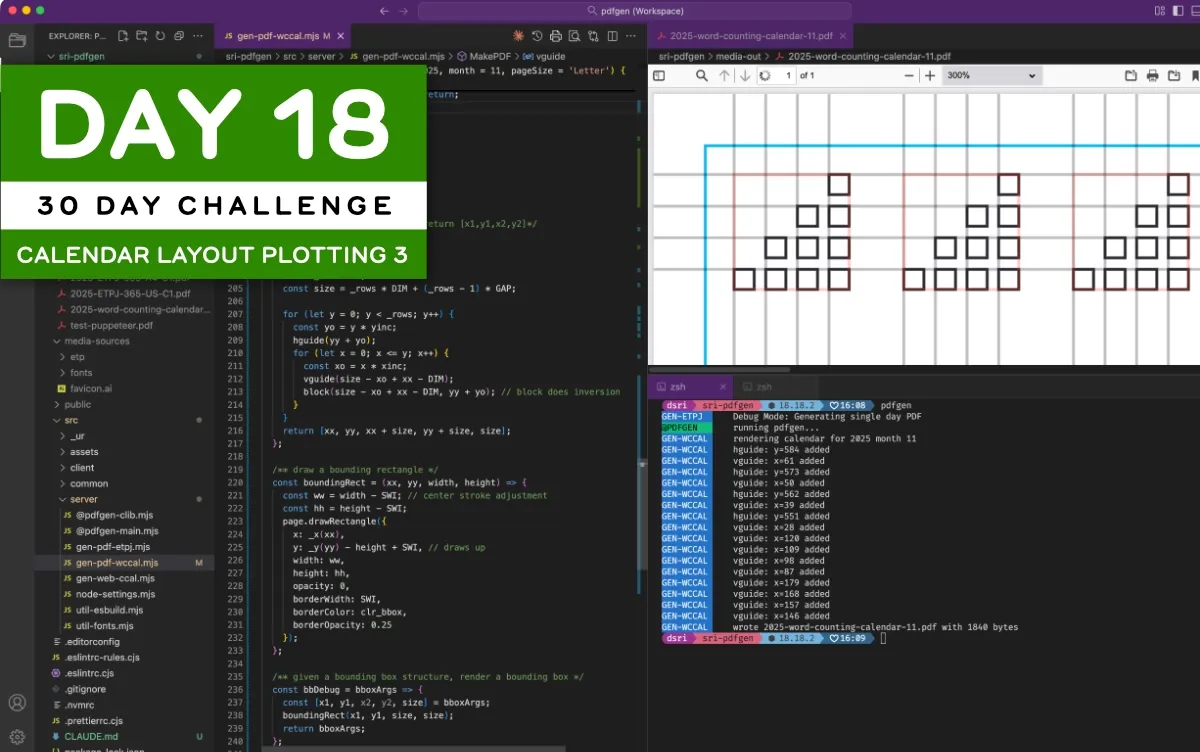
It has been a long day making small advances in my drawing code. Today’s focus was to programmatically draw the pyramid block that’s at the heart of the Word Counting Calendar:
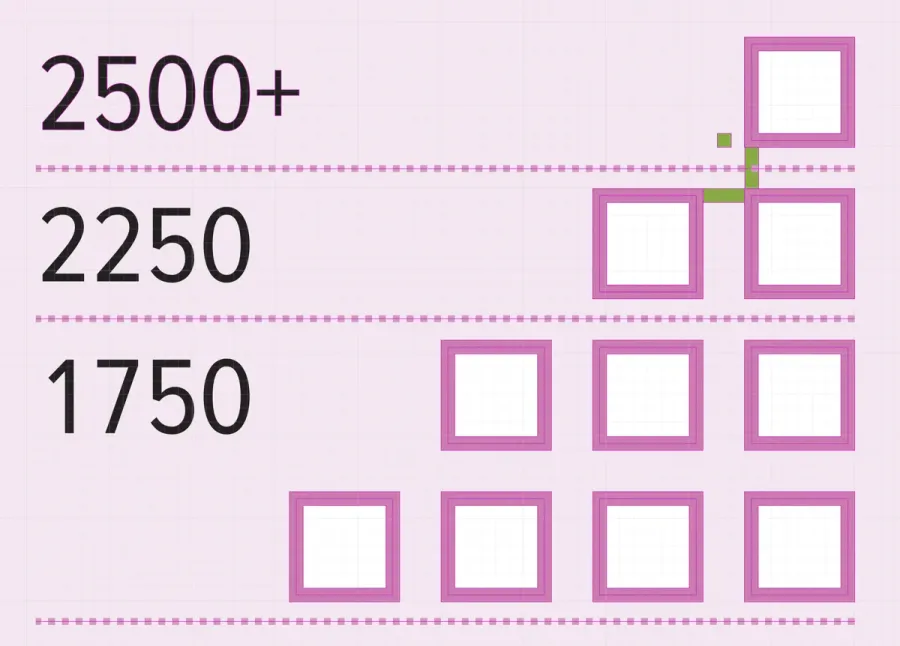
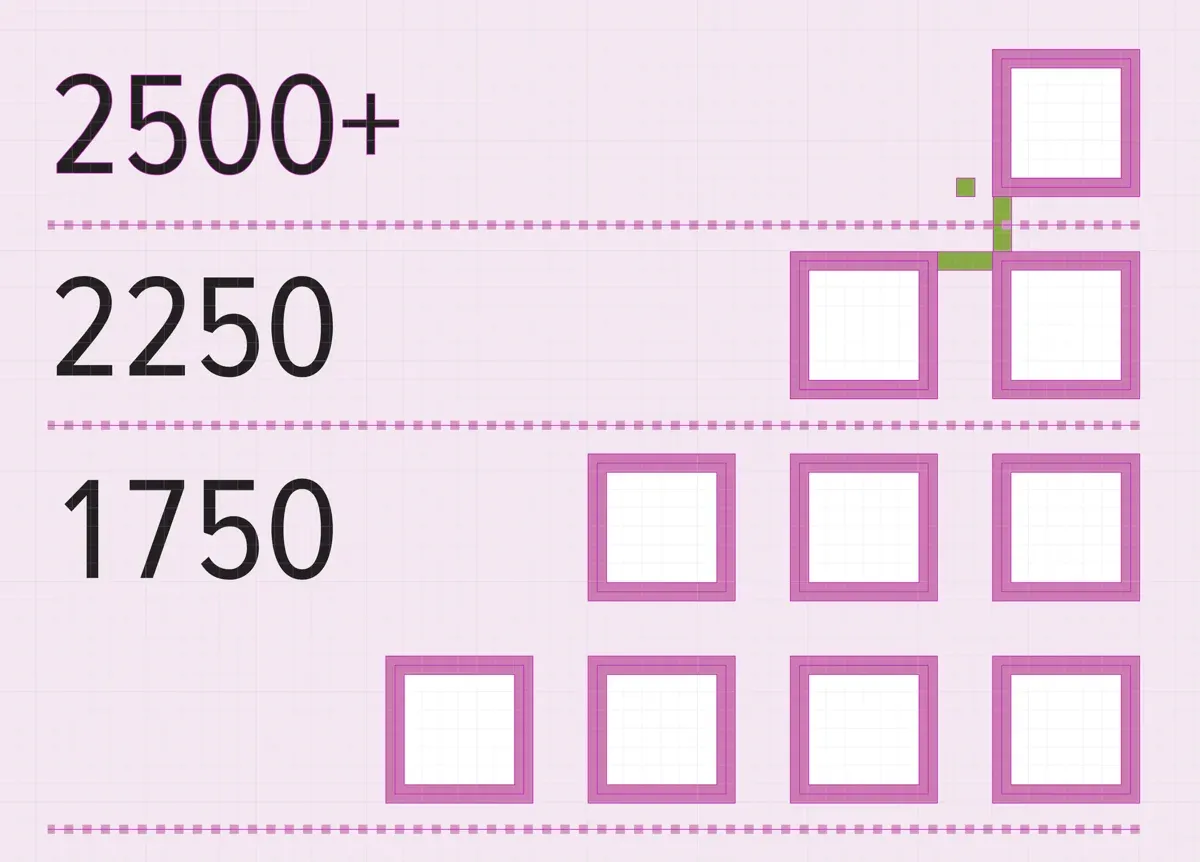
The main challenge today was to just draw the pyramid from a set of parameters, so I could easily draw it anywhere at any scale. Here’s what I got today.
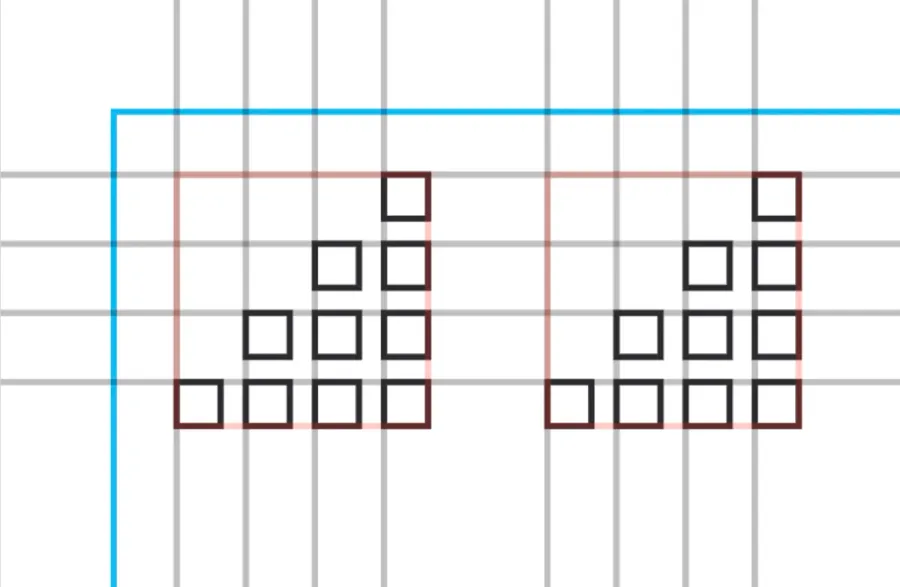
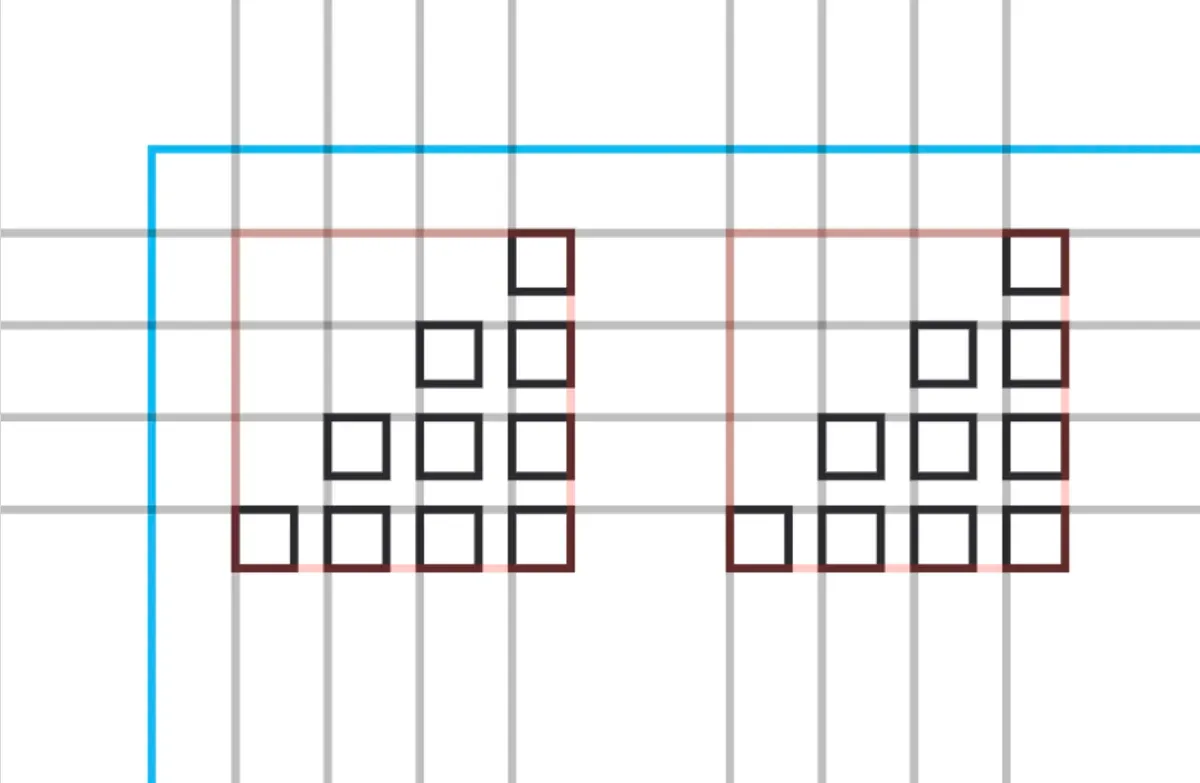
The janky code that draws this looks something like this:This is just an example; several other functions like hguide, vguide, bbDebug, and block are doing calculations as well.
/** draw a 10 block pyramid. return [x1,y1,x2,y2]*/
const pyramid = (xx, yy) => {
  const xinc = DIM + GAP;
  const yinc = DIM + GAP;
  const _rows = 4;
  const size = _rows * DIM + (_rows - 1) * GAP;

  for (let y = 0; y < _rows; y++) {
    const yo = y * yinc;
    hguide(yy + yo);
    for (let x = 0; x <= y; x++) {
      const xo = x * xinc;
      vguide(size - xo + xx - DIM);
      block(size - xo + xx - DIM, yy + yo); // block does inversion
    }
  }
  return [xx, yy, xx + size, yy + size, size];
};

let xoff = 0;
for (let i = 0; i < 3; i++) {
  const [, , , , width] = bbDebug(pyramid(10 + xoff, 10));
  xoff += width + 18;
}
There’s a lot of arithmetic in here, and it’s not very well structured. However, just getting the pyramid to draw according to my expectations is a good start. Next, I can add the text and draw a complete calendar day cell.
2025 Building Challenge Posts
Making an URSYS App Example
Adding Typescript support to Eleventy
Review of Old Design Work
Improving my Eleventy Atom Feeds
Managing a Productivity Crash
Activity Bingo Board: Layout with Affinity Designer
ETP 5885 Notebook Press Run Prep
Activity Bingo Board Revisions
ETP 5885 Notebook Press Tour
A Silly Pass at Logo Design
Unprofessional Business Cards
Word Counting Calendar PDF Quickie Reuse
Word Counting Calendar PDF Now Available!
Word Counting Calendar Preparing to Code
Word Counting Calendar Simple Beginnings
Articulating Friendship
First skip day due to day trip to Concord, etc.
Making a PDF-LIB Reference
Word Counting Calendar Drawing Blocks
Minimum Progress Despite Nausea
Word Counting Calendar Drawing Blocks II
Writing A Mythical Magical Adventure Cat Primer
Word Counting Calendar Drawing Days
Word Counting Calendar Drawing Spaces
A Restorative Visit to the North Shore
Word Counting Calendar: Alpha Release!
ETP 5885 Notebook Production Update!
Personal Cards Revisited
11/21 - Visiting an Old Friend in Beverly, MA
Experimental Collaboration
Short Productive Sprint Day
Thanksgiving Reset Break
ETP 5885 Notebook back on Amazon!
ETP 365 Day Journal Updated for 2026!
Making a Freelance Services Page
BUILD CHALLENGE COMMENTARY
Another lethargy+nausea day! Perhaps because of this, I was distracted by VERY SMALL annoyances for several hours, but eventually drew a box using the research I’d done yesterday…yay! Once I got going it was more fun to tweak things, though I had forgotten how SLOW I feel I am at doing this kind of work. Resolving off-by-one pixel rendering errors in a reversed page coordinate system…not my favorite activity!
While I find writing this kind of code slow and tedious, it does give me insight into the kind of layout management system works best with the way I think about visual design and hierarchy. It’s an interesting way to build my own productivity design language!
It’s also one thing to have an API reference, and quite another experience using it. Today’s experience helped reinforce PDF system concepts, as expressed by pdf-lib, which will help the coding go faster in the future.
BONUS ACHIEVEMENTS
I’m rather pleased at setting up my Visual Code Theme overrides to use purple and green, as seen in the Title Picture at the top of this post. The comments are already green in this theme (the Dark Theme for Visual Studio), so making the title bar purple while fixing the UX for “active tag”. I wrote this up a while ago in a memo VSCODE Theme Tricks.
Shove these settings into your .code-workspace project file under the settings key:
"settings": {
  ...
  "workbench.colorCustomizations": {
      // override theme color for the title bar
      "titleBar.activeBackground": "#4e256a",
      "titleBar.inactiveBackground": "#4e256a40",
      "titleBar.inactiveForeground": "#ffffff40",
      // override theme color for the focused editor
      "tab.activeBackground": "#4e256a"
    },
  ...
}
Having different colors for different editors I have open helps me keep them straight in my head. Also, the tab.activeBackground setting fixes a horrible UX oversight in easily seeing what tab is actually selected.
BUILD 17/30: Making a PDF-LIB Reference
Skip Day 02! Minimum Progress Despite Nausea
Chat about tools and aspirational projects on my DS|CAFE Discord server
Chat me up on Mastodon and Bluesky