I have the final run of 1000 ETP Mini Notebooks in production, but the front cover insert needed name and link updates. Tried Affinity Designer for press-ready work for the first time.
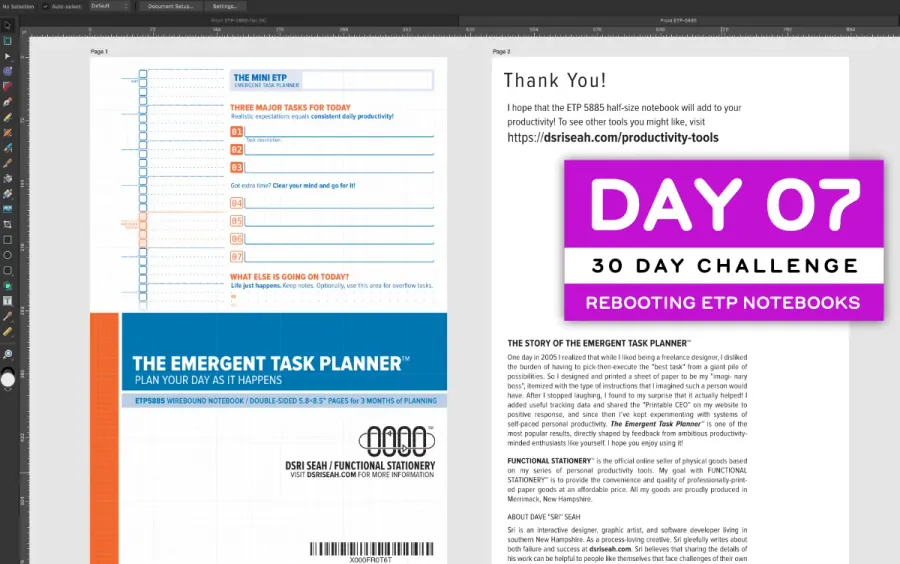
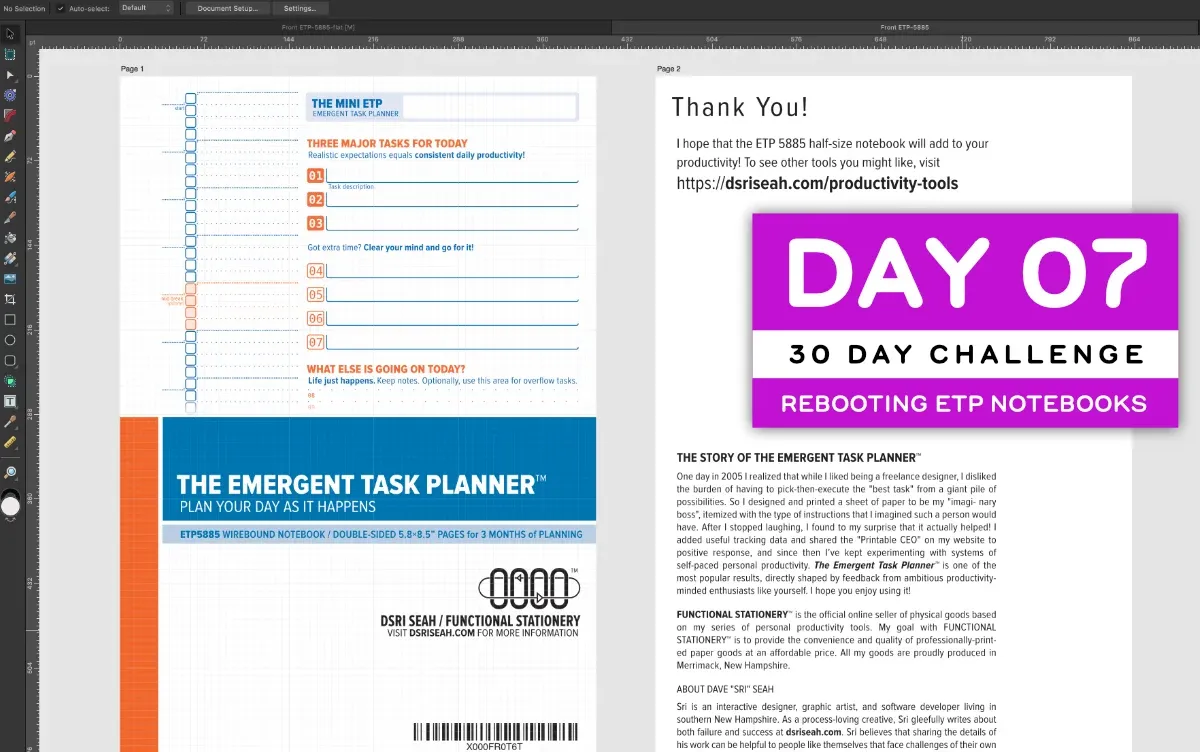
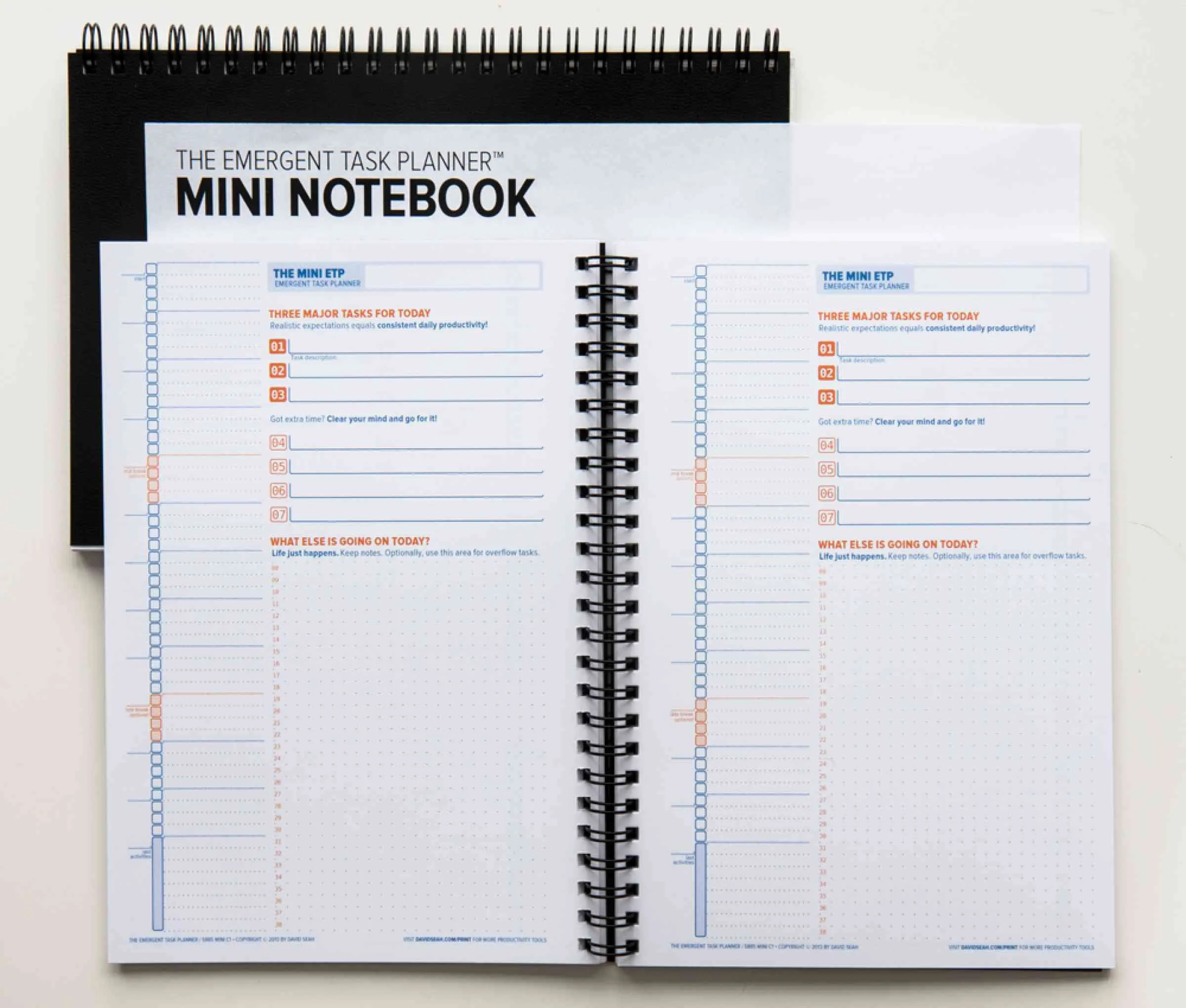
I am putting the Emergent Task Planner Half-Size Notebook into production for one final run of 1000 unitsThese will be redesigned and relaunched, so this is just the final run of the old design. The shrinkwrapped version of this notebook includes a insert that has the Amazon FBA code on the front and some text on the back, and I needed to update it so production could proceed at Papergraphics, the commercial printer I’ve been using since 2009 right here in New Hampshire.

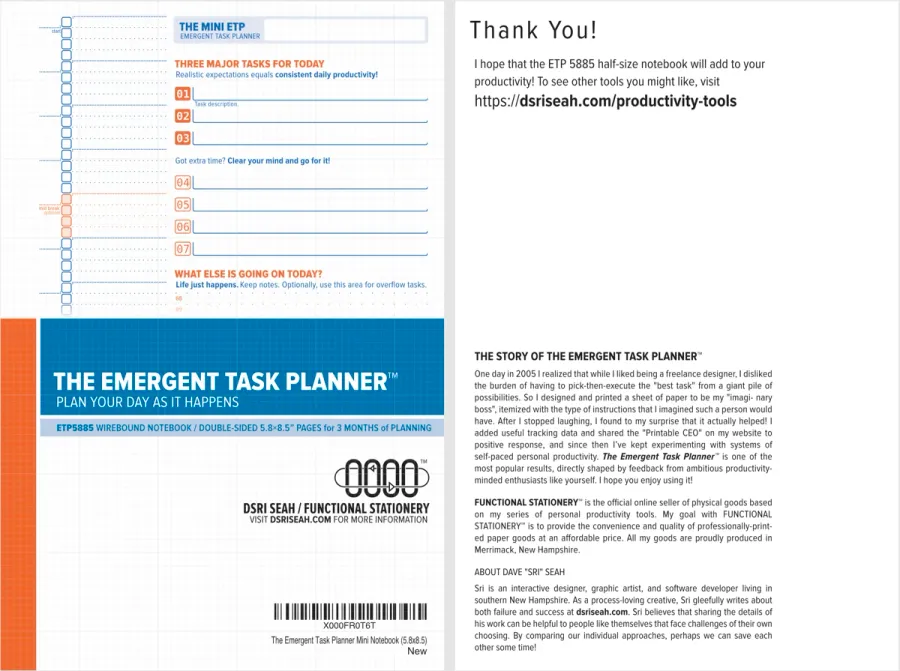
Fixing Text and Links
The old version of the insert had several things to correct:
- mentions the old website
davidseah.com - uses old name “Dave” rather than preferred name “Sri” or identifier “DSRI”
- dead link
davidseah.com/printon notebook pages, which I can’t easily fix
I updated the links to point to dsriseah.com, and replaced instances of “Dave”
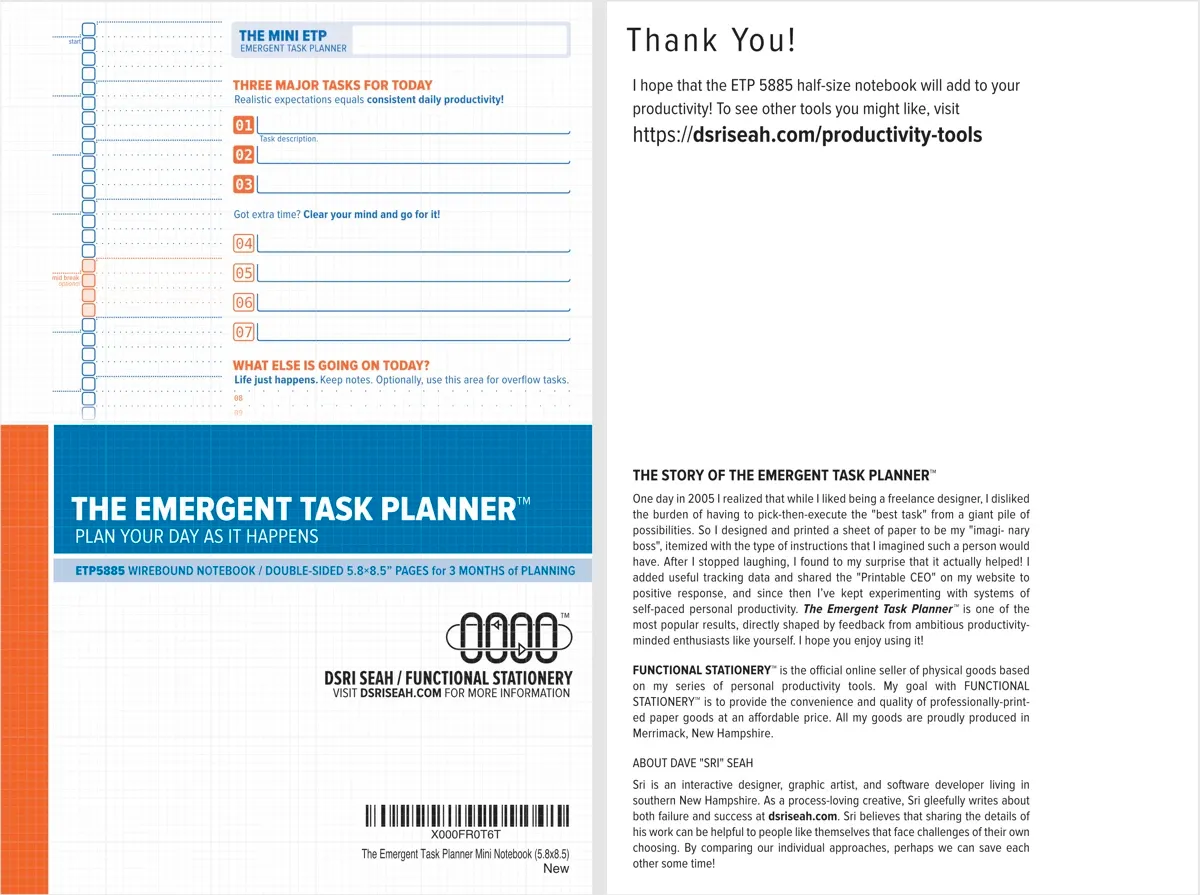
- I fixed the missing
davidseah.com/printURL (probably lost when doing my blog conversion back in September) because this URL is on the inner pages of the notebook. I also improved the text and removed extraneous page navigation.
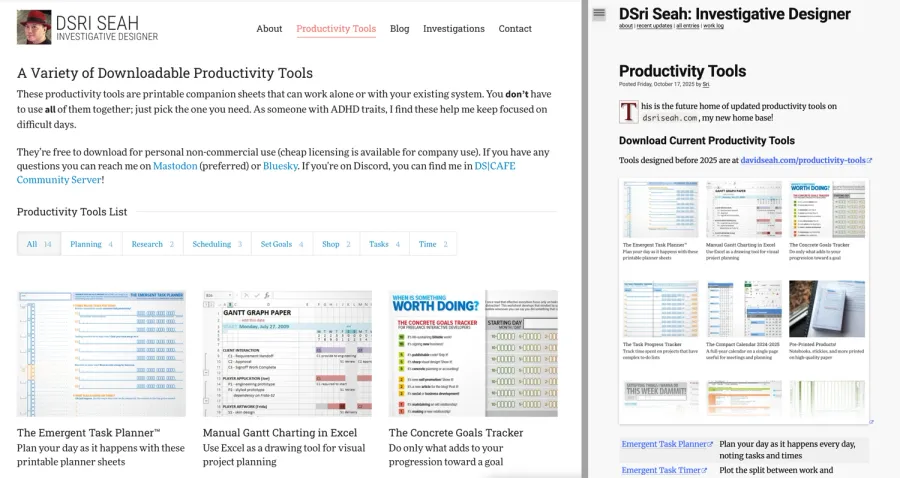
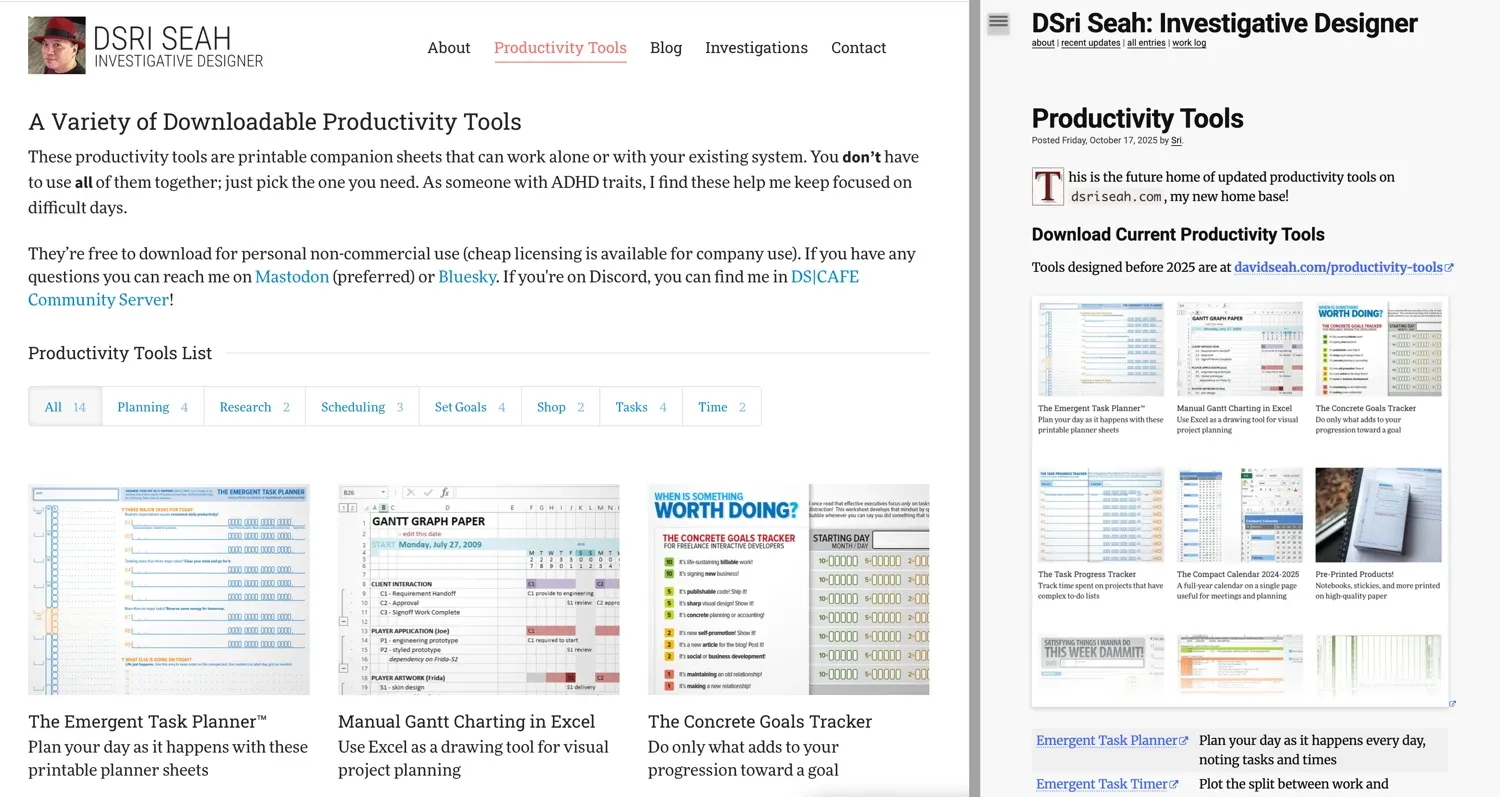
- I created a new
dsriseah.com/productivity-toolspage (upper right) that has a clickable image that goes back to the old site, with a few Quick Links. Eventually, I’ll be redoing all the old forms with new branding, getting away from the “functional stationery” identity.
Working with Affinity Designer
This was the first time that I’ve used Affinity Designer to edit something for press-ready print productionWhile I used Affinity Designer yesterday seriously for the first time, this didn’t require press-specific flight checks..
Since my original files are all in Adobe Illustrator format, I first had to convert them to Affinity Designer format. Fortunately, AFDesigner has fairly robust importing capabilities. It seems to lose text alignment in text frames, but I didn’t have to mess too much with the result.
One irritation was that there was a “restricted font” that was flagged in AFDesigner’s Package command, which gathers all the files and media into a folder suitable for sending to the prepress people in case they want to edit. While fonts are flagged, AFDesigner doesn’t provide a way to select all text that uses that font as Illustrator does. I hand to hunt them down by handThe font was Bitstream Vera Sans Mono and “convert to curves”.
I decided to provide a flattened PDF with everything converted to curves (no embedded fonts). For coverage, I also included:
- a non-flattened PDF with embedded fonts, with the restricted font converted to curves
- the AFDesigner package, which included all the fonts (sans the restricted font)
Pre-press said there was no problem, but I don’t know what version they picked. I don’t like irritating the pre-press people so I didn’t ask any followup questions 😅
With luck, the notebook run will go on-press this week. I’ve asked to be on-site to take pictures of stuff there, so that’s something to look forward to!
BUILD CHALLENGE COMMENTARY
This was not the build challenge I had originally wanted to do, but since we were trying Web Dev Tuesday for the first time (see BONUS ACHIEVEMENTS below) I shifted to the necessary pre-press work that was bottlenecking the ETP Notebook production.
I think it was a reasonable thing to do, though I question whether I produced a tangible sharepiece that meets the criteria when I started this 30-day build challengeThe details of what constitutes a “sharepiece” can find in this section of The October GHDR Report.
Originally, I wanted to focus on stuff you could download or paste right into your own work. That’s still the aspiration, actually. I’m finding that the work I’m doing is too challenge to do that easily, especially as I’m building new tooling at the same time. To avoid burnout as I experienced last Friday, I’m going to stick with sharing process. If I can wrap up the day by 6PM, that’s not bad.
2025 Building Challenge Posts
Making an URSYS App Example
Adding Typescript support to Eleventy
Review of Old Design Work
Improving my Eleventy Atom Feeds
Managing a Productivity Crash
Activity Bingo Board: Layout with Affinity Designer
ETP 5885 Notebook Press Run Prep
Activity Bingo Board Revisions
ETP 5885 Notebook Press Tour
A Silly Pass at Logo Design
Unprofessional Business Cards
Word Counting Calendar PDF Quickie Reuse
Word Counting Calendar PDF Now Available!
Word Counting Calendar Preparing to Code
Word Counting Calendar Simple Beginnings
Articulating Friendship
First skip day due to day trip to Concord, etc.
Making a PDF-LIB Reference
Word Counting Calendar Drawing Blocks
Minimum Progress Despite Nausea
Word Counting Calendar Drawing Blocks II
Writing A Mythical Magical Adventure Cat Primer
Word Counting Calendar Drawing Days
Word Counting Calendar Drawing Spaces
A Restorative Visit to the North Shore
Word Counting Calendar: Alpha Release!
ETP 5885 Notebook Production Update!
Personal Cards Revisited
11/21 - Visiting an Old Friend in Beverly, MA
Experimental Collaboration
Short Productive Sprint Day
Thanksgiving Reset Break
ETP 5885 Notebook back on Amazon!
ETP 365 Day Journal Updated for 2026!
Making a Freelance Services Page
BONUS ACHIEVEMENTS
Today we tried having a Web Dev Tuesday in the DS|CAFE Discord server, where we would hang out in the Noisy Workalong room. I was the only person doing web work there, but that’s fine because the trick of hosting events is to allocate that time to do something you were already going to do. Then if people show up, it’s a delightful bonus!
I looked-into an alternate image editor called Acorn by the folks at Flying Meat Software. Affinity Photo is kind of overkill for doing simple screenshot exporting to the WEBP image format. I ended up registering the latest version. It’s a nice little utility, and I also use another of their utilities called Retrobatch for drag-and-drop processing of images into preset formats. It’s a subset of Acorn’s capability, which offers layered editing and cropping and may handle most of my photo/screenshot processing needs.
I discovered that Copy Link with Highlight will allow me to deep-link into a web page on all mainstream browsers! This even seems to be in Firefox 144.0 ahead of schedule (the last holdout)…it appears to work on my Firefox on MacOS. While you could do the same by copying the link to any header tag, this has the bonus of highlighting text so it’s much easier to see what was linked.
Build 06/30: Activity Bingo Board Layout with Affinity Designer
Build 08/30: Activity Bingo Board Revisions
Chat about tools and aspirational projects on my DS|CAFE Discord server
Chat me up on Mastodon and Bluesky